
Preparing Artwork for Printing: Everything You Need to Know
Learn how to prepare artwork for printing, including file types, resolution, colour, fonts and artwork requirements for screen printing, digital printing and embroidery.
Preparing your artwork correctly helps ensure what you see on screen translates as closely as possible to the finished product. File quality, resolution, colour and the production method can all affect the final result.
At Bottega Made, you don't need to arrive with perfectly prepared artwork. Send us the best files you have and we'll check them before production. If something isn't suitable, we can recommend what needs to change or help prepare the artwork for you.
If you'd prefer to get your files print ready before sending them through, here are a few things to consider.

Start With the Best File You Have
Whenever possible, start with the original artwork rather than a screenshot, downloaded preview or image pulled from social media.
For logos, typography and graphic artwork, vector files such as SVG or properly prepared AI files are generally ideal because they can be resized without losing quality. We can also work with PDF, EPS and other common design formats.
For raster artwork, illustrations and photography, we generally recommend supplying a high-resolution transparent PNG at 300 DPI at the intended print size.
Keep in mind that the file extension alone doesn't guarantee good artwork. An AI file can still contain low-resolution images, missing fonts or messy artwork. If you're unsure, send us the best original file you have and we'll take a look.
Print-Ready Artwork Checklist
Before sending your artwork through, check the following:
Use the highest-quality original artwork available.
Supply vector artwork where possible.
Aim for 300 DPI (at the intended print size when supplying raster artwork).
Set your artwork to the approximate size you want it printed (enlarging small raster images can result in pixelation and loss of detail).
Outline your fonts (avoid missing or substituted typefaces).
Embed or package linked images (ensure nothing goes missing when the file is opened).
Remove unwanted backgrounds (particularly when supplying PNG files for digital printing).
Clean up the final file (removing hidden artwork, unused graphics and anything that isn't intended to be printed).
Check spelling and artwork carefully
Provide Pantone references (when accurate spot colours are important).
Different Printing Methods Need Different Files
There isn't one universal print-ready file. How we prepare artwork depends on how the design is being reproduced.
Screen Printing
Vector artwork is generally preferred for screen printing. Because each colour typically requires its own screen, artwork may need to be separated into individual colours before production. Pantone references can also be supplied when a specific colour match is important.
Digital Printing
Digital printing offers more freedom for full-colour artwork, gradients and fine details. A high-resolution transparent PNG at 300 DPI and the intended print size is generally a good starting point, while vector files such as SVG are also suitable.
Unlike traditional screen printing, individual colours don't need to be separated into different screens.
Embroidery
Artwork for embroidery needs to be digitised before it can be read by an embroidery machine. This determines elements such as stitch direction, density and stitch type.
You don't need to prepare this yourself. Send us the best version of your artwork and we'll handle the digitising process. We may recommend simplifying very fine details or small text to achieve a cleaner embroidered result.
Sublimation Printing
Sublimation printing can reproduce detailed, full-colour artwork, gradients and patterns. For custom garments, artwork often needs to be applied to individual garment pattern pieces before the fabric is printed, cut and sewn.
We'll provide the appropriate artwork requirements or templates based on the product being produced.
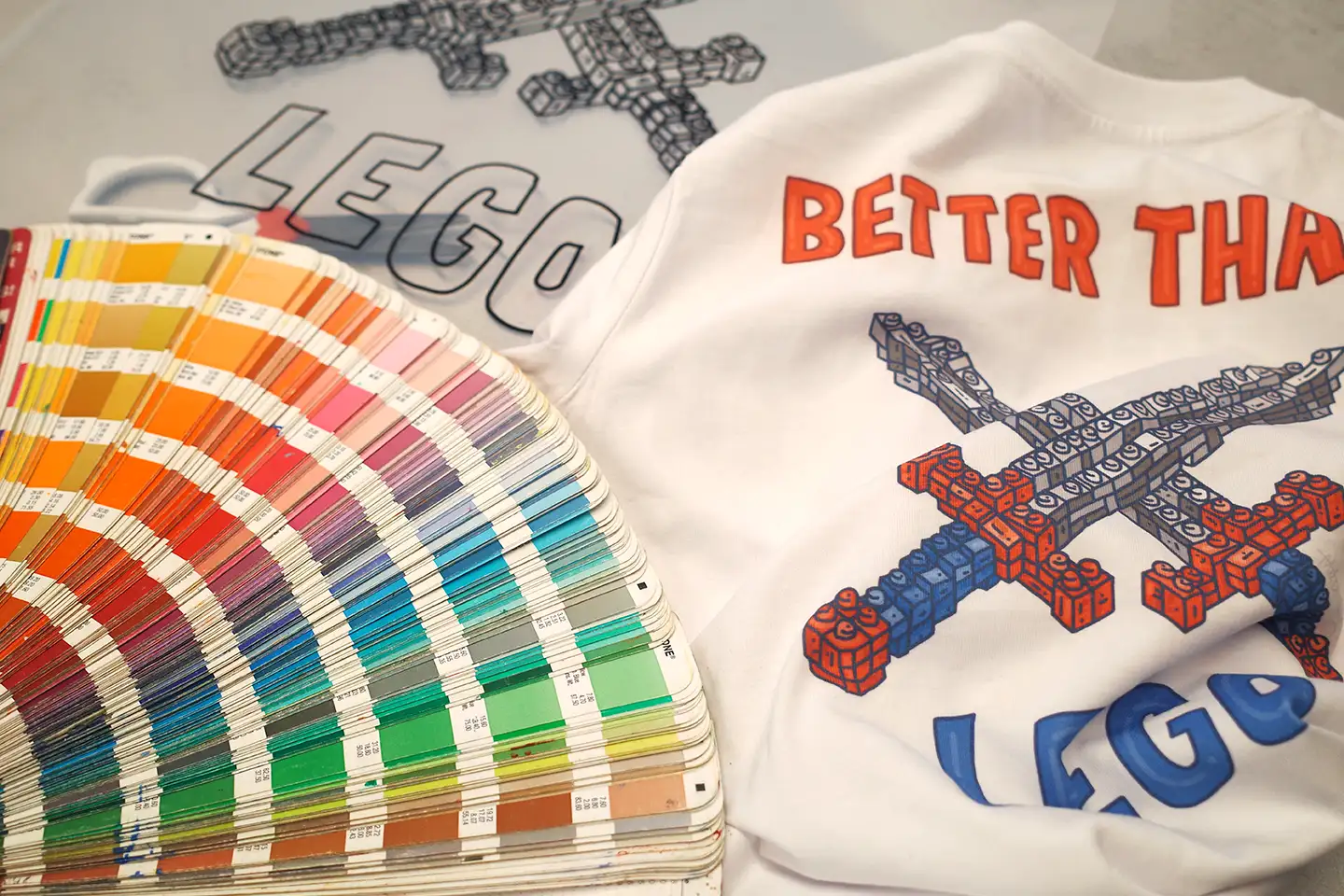
A Quick Note on Colour
Colours displayed on a screen won't always reproduce exactly the same way in print.
RGB is designed primarily for digital screens, while CMYK is commonly used across physical printing processes. Pantone (PMS) provides a standardised physical colour reference and is particularly useful for screen printing when accurate brand colours are important.
Garment colour, fabric, ink and printing method can all influence the finished result, so some variation should always be expected.
Always Check Your Proof
Before every Bottega Made project enters production, we provide a digital proof for approval.
This is your opportunity to check the artwork, dimensions, colours, placement and other production details before anything is made. Once approved, the proof becomes our reference for production.
Not Sure if Your Artwork Is Print Ready?
You don't need to know all of this before starting a project with Bottega Made.
Send us the best artwork you have and we'll check whether it's suitable. If something needs to be recreated, vectorised, resized, colour separated or otherwise prepared for production, our Graphic Design team can help get it ready.

Get In Touch Today
Looking to get started on your next project?
Get in touch with our team today and we'll take care of the rest.
You can also use the MadeGood quote calculator to get an instant quote.
Read More.
A little more from the studio. Explore our latest articles, ideas and insights.

